
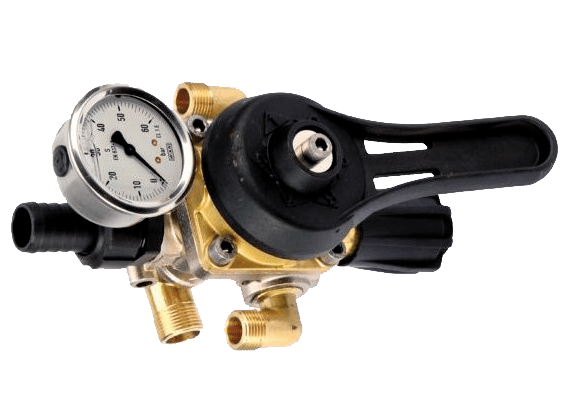
This manual control system features a selector lever that allows the operator to choose exactly which spray sectors to activate. With a simple turn of the knob, you can also fine-tune and maintain the desired working pressure with precision and stability—even at low tractor speeds—ensuring consistent and accurate application.
The numbered positions on the selector clearly indicate which sector is in operation:
- “1” (right-side) – Activates only the right spraying sector.
- “1” (left-side) – Activates only the left spraying sector.
- “2” – Activates both sectors simultaneously for full-coverage spraying.
- Two “R” positions (Return) – Deactivates both sectors. In these return positions, fluid returns to the tank and no spraying occurs.
- “C” (Closed / Under Load) – The line remains under pressure, but neither sector is operating. This position is ideal for maintaining system readiness without active spraying.
This intuitive setup ensures maximum flexibility in the field—whether you are treating a single row edge, avoiding drift on neighbouring crops, or applying full coverage across both sides of the canopy. It provides the operator with full control, reduces unnecessary product waste, and adapts instantly to changing conditions..
